Setting Up Itsme While Waiting for Your Physical eID Card
Oh, the infamous Belgian eID. You've just arrived, probably waded through the initial commune registration, and now you're in that frustrating limbo, waiting for your shiny new electronic ID card to materialize. It feels like forever, doesn't it? And in the meantime, everyone keeps asking you for "Itsme" – that magical digital key that seems to unlock everything in Belgium. You feel stuck, right? Like you can't truly integrate until that little piece of plastic arrives. Well, my friend, you're not alone, and I'm here to tell you that you don't always have to wait. This guide will walk you through the surprisingly effective ways to set up Itsme even before your physical eID card is in your hands, ensuring you can access crucial services and bypass some serious bureaucratic headaches.
The Initial Bureaucratic Hurdle: Why Your eID Takes Ages
Let's be real, the Belgian administrative machine moves at its own, often glacial, pace. You've completed your registration at the commune, perhaps you've even had the police check (the famous contrôle de quartier) where they verify you actually live where you say you do. You've been given your Annex 15, which is essentially a temporary residence document that proves you're a legal resident in progress. You might even have your National Register Number (NISS/Rijksregisternummer) by now, which is a significant step. But the actual eID card? That often feels like a distant dream, sometimes taking weeks, if not months, to be produced and delivered.
Understanding the Delay: From Provisional to Permanent
The process involves several layers of government. First, your data is processed at the local commune level. Then, it goes up to the federal level for card production, which includes embedding all the necessary electronic chips and security features. After production, it's sent back to your commune, and then you'll receive a letter with codes to pick it up. It's a multi-stage relay race, and any slight hiccup or backlog at any stage can cause delays. During this waiting period, your Annex 15 is your primary form of identification, which, while legally valid, isn't always accepted by every digital platform or service provider that requires a more robust form of authentication.
For instance, when you're initially registering at the commune, you might need to present various documents, often including birth certificates or marriage certificates from your home country. If these aren't in French, Dutch, or German, you might need them officially translated by a sworn translator. Services like RushTranslate can be incredibly helpful for getting these documents in order quickly, which, in turn, can sometimes expedite your initial commune registration steps, even if the eID production remains on its own timeline.
The Frustration of Being "Almost There"
It’s a peculiar kind of limbo, isn’t it? You’re officially a resident, but you can’t fully act like one. Want to set up your online banking properly? Itsme. Want to access your health insurance portal to track reimbursements? Itsme. Need to check your tax file or even just activate a mobile phone plan sometimes? You guessed it, Itsme. This reliance on a digital ID when you don't even have your physical one yet can feel incredibly counterintuitive and, frankly, maddening for expats used to more straightforward administrative processes. It creates a bottleneck, preventing you from tackling other essential tasks because the Belgian system is so deeply integrated with this one digital key.
What is Itsme and Why You Absolutely Need It in Belgium
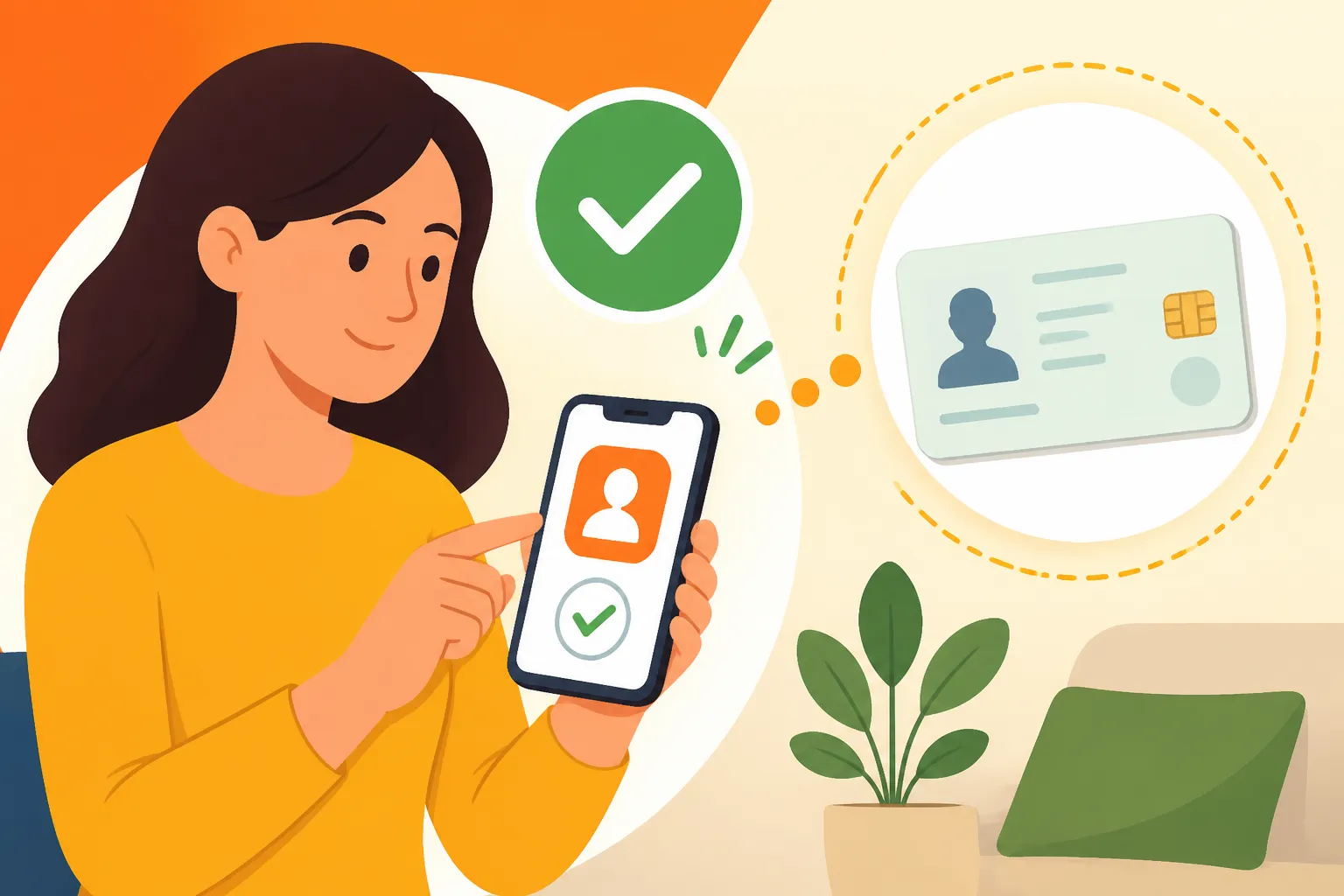
Itsme is not just an app; it's Belgium's unified digital identity platform. Think of it as your digital passport, ID card, and signature all rolled into one secure mobile application. It allows you to log in to hundreds of government websites, bank accounts, insurance portals, and even some private service providers with a single, secure five-digit code or fingerprint/face recognition. It was designed to simplify digital interactions and enhance security, but for a new expat without a fully processed eID, it can feel like a gatekeeper.
Itsme's Ubiquity: Banking, Government, and Beyond
Once you've navigated the often complex world of Healthcare in Belgium for Expats: Complete System Overview (2027), Itsme becomes invaluable. Imagine trying to access your Mutuelle (health insurance fund) portal to check on your Understanding the 75% Reimbursement System for Medical Consultations without Itsme. It would be a nightmare of usernames and passwords, or worse, require physical visits. With Itsme, it's a tap and a code, and you're in. This extends to virtually all major banks in Belgium – KBC, BNP Paribas Fortis, Belfius, ING – and countless government services accessible through platforms like MyMinfin (for taxes) or MyHealth.belgium.be (for medical records). Even signing electronic documents, like rental contracts or utility agreements, often leverages Itsme for a legally binding digital signature.
The Security Aspect: How Itsme Protects Your Digital Life
Itsme boasts a high level of security. It uses a combination of your mobile device, your unique Itsme code, and your physical eID (eventually!) to verify your identity. The multi-factor authentication means that even if someone had your phone, they couldn't access your accounts without your specific Itsme code. Moreover, the data exchanged is encrypted, and Itsme itself doesn't store your personal data centrally. It acts as a trusted intermediary, confirming your identity to the service provider without sharing sensitive information unnecessarily. This robust security is why so many critical services rely on it, but it's also why the initial setup can be so particular about identity verification.
Step-by-Step: Setting Up Itsme Without Your Physical eID Yet
This is the golden ticket, folks. While the standard advice is "wait for your eID," there are legitimate, official pathways to get Itsme up and running before that plastic card arrives. This typically hinges on having an active Belgian bank account and, crucially, your National Register Number (NISS).
The Crucial First Step: What You Need in Hand
Before you even download the Itsme app, ensure you have these prerequisites:
- Your National Register Number (NISS/Rijksregisternummer): You should receive this relatively soon after your commune registration is complete. It's a unique 11-digit number. You'll often find it on any official document from the commune or on your provisional Annex 15. If not, don't hesitate to ask your commune for it.
- A Belgian Bank Account: This is absolutely key. Most major Belgian banks (KBC, BNP Paribas Fortis, Belfius, ING) offer Itsme activation services through their online banking platforms. You generally need to have an active account with internet banking access. If you're still navigating Opening a Belgian Bank Account: Documents Needed and Roadblocks, prioritize this, as it's often the fastest route to Itsme.
- A Belgian Mobile Phone Number: Itsme links to your mobile number. Make sure you have a working Belgian SIM card activated.
- A Smartphone: The Itsme app is designed for smartphones (iOS and Android).
Once you have these, you're ready to tackle the activation.
Different Activation Methods: Bank Account vs. Provisional Codes
There are generally two primary methods to activate Itsme without your physical eID, both leveraging your existing credentials:
Method 1: Activation via Your Bank (Most Common and Recommended)
This is by far the easiest and most reliable method for new expats. Since you likely already have your bank account set up, the bank acts as an intermediary to verify your identity.
Here's how it generally works (steps might vary slightly between banks):
- Download the Itsme App: Get the official "Itsme" app from your smartphone's app store.
- Open Your Bank's Online Portal/App: Log into your Belgian bank's online banking website or mobile app on a separate device (like your computer) or even another tab on your phone, if your bank allows.
- Look for Itsme Activation: Navigate to the security or profile section within your bank's platform. You'll typically find an option like "Activate Itsme" or "Link Itsme."
- Initiate Activation: Follow the bank's prompts. They will ask you to confirm your identity using your usual banking login (card reader, password, etc.).
- Link Itsme to Your Bank: The bank's system will then guide you through linking your Itsme account. It will usually involve entering your National Register Number and potentially confirming details.
- Scan the QR Code (or enter a code): Your bank's online platform will display a QR code. Open the Itsme app on your phone, and select "Activate Itsme." The app will prompt you to scan this QR code. If you're on the same device, your bank might provide a direct link or a short code to enter into the Itsme app.
- Create Your Itsme Code: Once linked, the Itsme app will ask you to create your unique 5-digit Itsme code. This is the code you'll use for all future logins. You might also be given the option to enable fingerprint or face recognition.
- Confirmation: You'll receive confirmation in both your bank's platform and the Itsme app that your account is successfully activated.
Why this works: Your bank has already verified your identity when you opened the account, and they have your National Register Number linked to it. This allows them to vouch for your identity to the Itsme system, bypassing the need for a physical eID card and reader.
Method 2: Activation with a Provisional Itsme Code (Less Common for New Expats)
This method involves requesting a provisional Itsme activation code directly from the Itsme website or potentially via certain official channels. However, for a brand new expat, this route is often trickier as it might still require a form of identity verification that you don't yet have (like a fully activated eID with reader) or involves a more complex postal process that can take time. It's generally reserved for situations where bank activation isn't an option. My advice? Stick with your bank if you can!
Troubleshooting Common Itsme Setup Issues
Even with the bank method, you might hit a snag or two. Don't panic; it's part of the Belgian expat experience!
- "Itsme is already linked to another number/eID": This can happen if you tried to set it up before or if there was an administrative error. Contact Itsme support or your bank's support.
- National Register Number Issues: Double-check you've entered your NISS correctly. Any typo will cause a rejection.
- Bank Account Not Recognized: Ensure your bank account is fully active and you have access to online banking. Some provisional accounts might not work immediately.
- QR Code Problems: Make sure your phone's camera has good lighting and is focused on the QR code. If it doesn't scan, look for an option to manually enter a code.
- Itsme App Glitches: Sometimes a simple restart of the app or your phone can resolve temporary issues. Make sure your app is updated to the latest version.
- Language Barriers: The Itsme app and bank portals are usually available in French, Dutch, and English. Ensure you select your preferred language to avoid misinterpretations.
Remember, patience is a virtue, and most issues can be resolved by carefully following the steps or contacting customer support from your bank or Itsme directly.
Navigating Daily Life with Itsme in Hand (Even Without the Card)
Once Itsme is active, even without your physical eID, you'll feel a huge weight lifted. Suddenly, many digital doors swing open, making your daily life in Belgium significantly smoother.
Accessing Essential Services: MyMinfin, Health, and Utilities
With Itsme, you can:
- Manage Your Finances: Log into your bank account, check balances, make transfers, and manage direct debits. No more fumbling with card readers for every transaction!
- Access Government Portals: This is a big one. You can log into MyMinfin to check your tax status, or prepare for your tax return. If you ever need to track your social security contributions, which are crucial for things like future pension or unemployment benefits, you can do that too. You can also access MyHealth.belgium.be to view your medical history, vaccination records, and prescriptions. This is particularly useful as you navigate Pharmacies and Medication in Belgium: Prescriptions and OTC Rules or if you're trying to figure out Healthcare Budgeting: Copays, DMG/GMD, and Reimbursements.
- Manage Utilities: Many utility providers (electricity, gas, water, internet) allow Itsme login to manage your contracts, view bills, and submit meter readings.
- Digital Signatures: For certain documents, Itsme allows for a legally binding electronic signature, which is incredibly convenient for things like rental agreements or employment contracts.
This newfound digital freedom makes administrative tasks less daunting, reducing the need for countless usernames and passwords. It truly transforms the expat experience from one of constant paperwork to one of digital efficiency, especially when combined with other essential Belgian apps like Payconiq by Bancontact for payments.
Here's a quick comparison of what Itsme typically unlocks vs. what still needs the physical eID:
| Feature/Service | Accessible with Itsme (No Physical eID) | Requires Physical eID Card + Reader |
|---|---|---|
| Online Banking Logins | Yes | No |
| Government Portals (MyMinfin, MyHealth) | Yes | No |
| Digital Signatures (some platforms) | Yes | No |
| Utility Provider Logins | Yes | No |
| Police Address Check Verification | No (often requires physical ID) | Yes (for some specific checks) |
| Activating Some Mobile Contracts | Yes | No (can activate with NISS/Bank) |
| Voting in Elections | No | Yes |
| Official Identity Verification (in-person) | No | Yes |
| Replacing Lost/Stolen eID | No | Yes (or other official ID) |
| Initial setup of some very specific public services | Usually Yes, but depends on service | Sometimes Yes |
The Limitations: When a Physical eID is Still Required
While Itsme is powerful, it's not a complete replacement for your physical eID card in every situation. There will still be times when you need the actual card. For instance, when you go to pick up your card itself, you'll need a physical form of ID. Also, for certain in-person administrative procedures, or when dealing with authorities like the police in a roadside check, your physical eID is your legal proof of identity and residence.
Think about situations like registering at a new clinic for Finding Medical Care in Belgium: GPs, Specialists, and Hospitals where they might want to scan your card, or if you need to perform an operation at the commune that requires a physical card reader. While itsme streamlines digital life, the physical card remains important for official in-person verification and as your primary legal document in Belgium. You'll especially appreciate it when you're looking into something like Permanent Residency (PR) in Belgium: Types and Timelines or even Becoming a Belgian Citizen: Naturalization Rules and 2026 Updates, where the physical card acts as proof of your consistent residency.
Itsme and Your Expat Journey: Tips from a Veteran
Having Itsme from early on in your expat journey can really reduce stress. It removes a significant barrier to accessing services that are second nature to Belgians. It helps you quickly adapt and manage your new life without feeling constantly hindered by bureaucracy.
The Long-Term Benefits of Early Adoption
Getting Itsme set up quickly means you can start logging into vital government platforms, understand your tax obligations, manage your healthcare, and control your banking all from your phone. This proactive approach saves you time and prevents potential fines or missed opportunities (like applying for specific benefits) because you couldn't access the necessary online forms. It's an investment in your peace of mind and administrative independence in Belgium.
Keeping Your Itsme Secure
Just like any essential digital tool, keeping your Itsme secure is paramount.
- Choose a strong, memorable 5-digit code: Don't use easily guessable combinations like your birth year or "12345."
- Don't share your code: Your Itsme code is like your physical PIN for a bank card; keep it strictly to yourself.
- Be wary of phishing attempts: Itsme will never ask you for your code via email or SMS. If you receive suspicious messages claiming to be from Itsme, always go directly to the official Itsme website or app.
- Enable biometrics: If your phone has fingerprint or face recognition, enable it for Itsme for an extra layer of security and convenience.
- Keep your phone updated: Ensure your smartphone's operating system and the Itsme app are always running the latest versions to benefit from security patches.
By following these simple steps, you can ensure your digital identity in Belgium remains safe and sound, allowing you to focus on enjoying your new home.
Disclaimer
The information provided in this guide is for general informational purposes only and does not constitute legal, financial, or immigration advice. While we strive to keep the information up-to-date and accurate, regulations and procedures in Belgium can change frequently. Always consult official government websites, your local commune, or qualified professionals for the most current and personalized advice regarding your specific situation.