Itsme Authentication: How to Set Up Belgium’s Vital Digital ID
Trying to access your Belgian tax return or medical records for the first time feels like being invited to a party but realizing you do not have the secret knock to get through the front door. When I first moved to Brussels, I spent three hours wrestling with a plastic card reader that refused to recognize my eID, only to realize I could have solved everything in five minutes with a single app. This guide will ensure you never face that particular flavor of bureaucratic frustration by walking you through the setup of Itsme.
What is Itsme and Why is it Essential for Expats
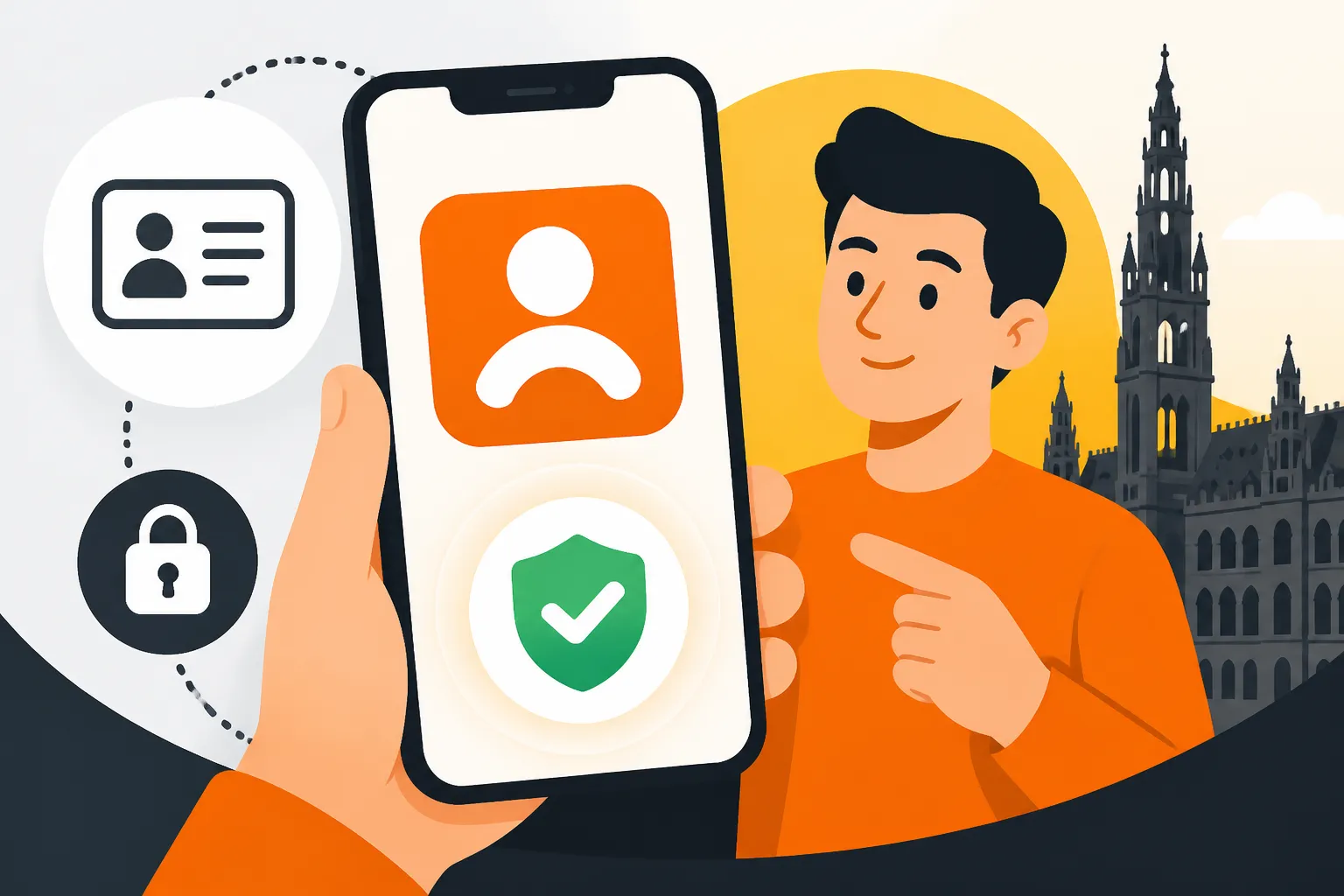
If you plan on living in Belgium for more than a few months, you will quickly discover that the country has moved its entire administrative backbone into the digital realm. Itsme is not just another app; it is your official digital identity. It replaces the need for physical tokens, card readers, and a mountain of passwords. Think of it as a secure digital handshake between you and the Belgian state.
The All-in-One Digital Key for Belgium
In the past, interacting with the Belgian government meant physical appointments at the commune or using a cumbersome eID card reader that required specific software drivers that rarely seemed to work on modern laptops. Itsme consolidated this into a single mobile application. It is developed by a consortium of Belgian banks and mobile network operators, making it a highly integrated tool. Whether you are checking your pension rights, signing a rental lease, or looking up your latest blood test results, this app is the gateway.
For many of us, the real "aha" moment comes when we realize how many private companies also use it. Beyond government portals, insurance companies, utilities, and even real estate platforms use Itsme to verify who you are. This level of integration is why you see nearly every resident from Antwerp to Arlon reaching for their phone whenever a login screen appears. It effectively turns your smartphone into your most powerful administrative tool.
Moving Beyond the Physical eID Card Reader
The traditional method of digital authentication in Belgium involves the eID card, which contains a chip. To use it, you must buy a USB card reader, install the eID viewer software, and remember a four-digit PIN that the commune gave you in a sealed envelope months ago. If you lose that PIN or your card reader decides to quit, you are essentially locked out of the system. Itsme acts as a bridge. Once you have used your eID or your bank account to verify your identity once, the app takes over, allowing you to authenticate with a simple fingerprint or a self-chosen five-digit code.
This transition is vital for expats because we often move around, change laptops, or misplace those tiny slips of paper from the commune. Having your identity tied to your biometric data or a code you actually remember reduces the friction of living in a country known for its complex layers of governance. You no longer need to carry your eID everywhere to perform basic tasks like checking if your Social Security in Belgium: Employer and Employee Contributions are up to date.
Security and Privacy Standards
Security is the primary concern for anyone putting their entire legal identity on a smartphone. Itsme uses a combination of three factors: your mobile phone (something you own), your SIM card (something you have), and your personal Itsme code or biometric data (something you know or are). This triple-layer security is compliant with European eIDAS regulations, which is the highest standard for electronic identification in the EU.
What I appreciate most as a long-term resident is that the app does not share your data indiscriminately. Every time a service asks for your information via Itsme, the app explicitly tells you what data they are requesting—usually your name, date of birth, and National Register Number. You have to manually approve each request. This transparency is a far cry from the "black box" feel of many other digital identification systems globally.
Preparation: Prerequisites for Setting Up Your Itsme Account
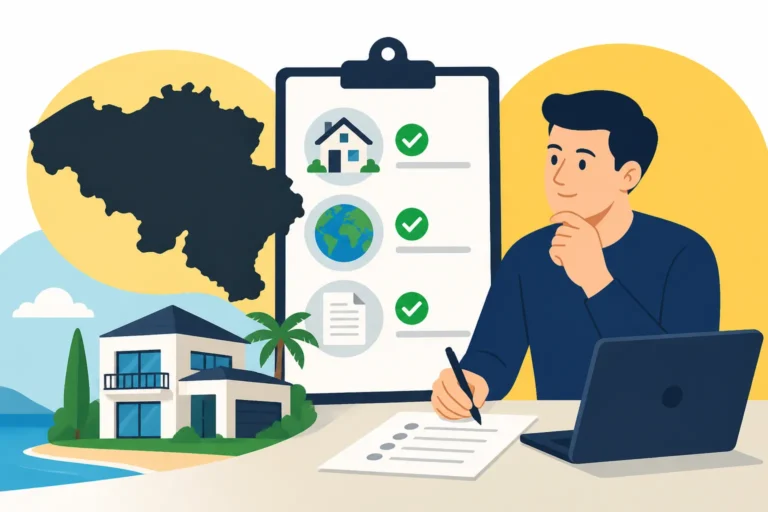
Before you download the app and start clicking buttons, you need to have a few things in order. Setting up Itsme is a "chicken and egg" problem for many newcomers: you need a Belgian identity to get the app, but you often need the app to manage your Belgian identity.
The Mandatory Belgian Bank Account or eID
There are two primary ways to create an Itsme account. The easiest route by far is through a Belgian bank. If you have already managed the task of Opening a Belgian Bank Account: Documents Needed and Roadblocks, you are halfway there. Most major banks like KBC, BNP Paribas Fortis, Belfius, and ING are partners. They have already verified your identity when you opened your account, so they can "vouch" for you to the Itsme system.
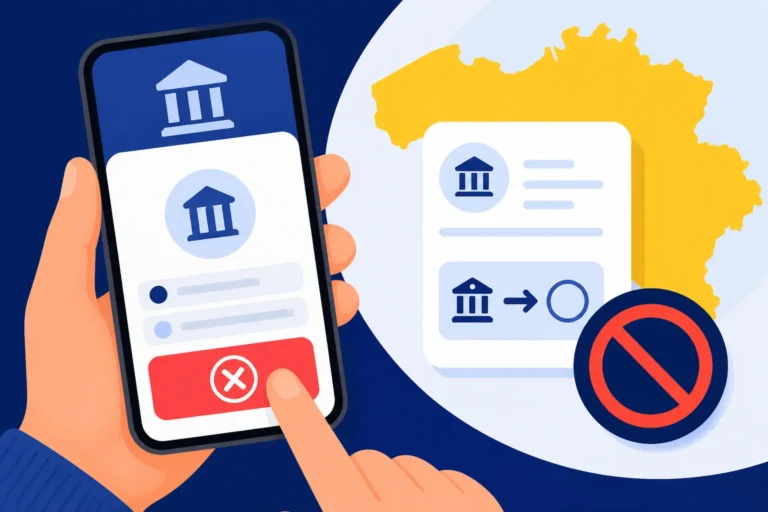
If you do not have a Belgian bank account yet, you must use your Belgian eID (the plastic residence card). This requires having your card, your PIN code (the one from the commune), and a working card reader. For non-EU expats, this is often the only way to start if your bank does not support the direct integration. It is important to note that you cannot use a foreign bank account to set up Itsme, even if it is a major European one.
Technical Requirements: Smartphone and SIM Cards
Your smartphone must be relatively modern to run the Itsme app securely. Generally, this means an iPhone running a recent version of iOS or an Android device with a secure boot environment. More importantly, your SIM card must be from a supported European provider. While you can sometimes get it to work with a foreign number, it is highly recommended to have a Belgian SIM card to avoid synchronization issues with the mobile network identification layer.
I have seen many friends try to set this up using a temporary "traveler" SIM or a number from their home country, only to find the "check your SIM" error message. If you are serious about your long-term stay, getting a local number is one of the first things you should do after Registering at the Commune: The 8-Day Rule After Arrival. Once your local number is linked to your identity in the government database, the Itsme setup becomes much smoother.
Validating Your National Register Number
Everything in Belgium revolves around your National Register Number (the Rijksregisternummer or Numéro de Registre National). This is the 11-digit number found on the back of your eID or on your Annex documents. You cannot create an Itsme account without this number being active and recognized. If you have just arrived and are waiting for The Police Check (Contrôle de Quartier) for Address Verification, your number might not be fully "activated" in all systems yet.
If you attempt to set up Itsme and receive an error saying your identity cannot be found, it is likely because the central database has not yet synced your new address or residency status. In this case, patience is your only ally. Usually, once you have your physical A, B, or F card in hand, the system is ready for you.
Step-by-Step Tutorial: Setting Up Itsme via Your Bank
For those with a Belgian bank account, this is the path of least resistance. It avoids the need for card readers and software installations on your PC. It is the method I recommend to every newcomer because it leverages a relationship you have already established with a local institution.
Linking via KBC, BNP Paribas Fortis, or Belfius
The process usually begins within the Itsme app itself. After entering your mobile number, you will be asked to choose your bank from a list. The app will then redirect you to your bank's mobile app or website. You will log in to your bank as you normally would—using your bank's specific authenticator or card reader.
Once logged in, your bank will present a screen asking for permission to share your identity details with Itsme. This is the crucial step where the bank "signs off" on your identity. After you confirm, you will be sent back to the Itsme app to finish the process. It is remarkably seamless if your banking app is already up to date. This is also a good time to ensure your financial house is in order, perhaps by looking into tools like Wise for international transfers or Trade Republic if you are looking to start investing your Belgian salary.
Troubleshooting Banking App Authentication
If the redirection between the Itsme app and your banking app fails, it is usually due to one of three things: an outdated app version, "Do Not Disturb" settings blocking the transition, or a mismatch in the phone number registered with the bank. I once spent an afternoon frustrated because my bank had my old UK number on file while I was trying to link Itsme to my new Belgian one.
Check your bank's profile settings first. Ensure your Belgian National Register Number is correctly listed in your bank's records. If the bank only has your passport number from when you first applied, they might not be able to verify you for Itsme until you update them with your eID details. This is a common hurdle for those who opened their account before their residency was fully finalized.
Finalizing the 5-Digit Itsme Code
After the bank confirms your identity, you will return to the Itsme app to set your personal 5-digit code. This code is what you will use for every future login. Choose something secure but memorable. You will also have the option to enable biometrics (FaceID or Fingerprint). I highly recommend enabling this; it makes the process of How to File Your Income Tax via Tax-on-web (MyMinfin) much less of a chore when you can log in with just a glance at your phone.
Once the code is set, the app will perform a final synchronization. You might receive an SMS or an email confirming that your digital ID is active. From this point forward, your phone is your key. You can go to any government website, click the "Itsme" login button, enter your phone number, and you will receive a notification on your phone to approve the login.
Alternative Setup: Using Your eID and Card Reader
If you don't have a Belgian bank account or if your bank isn't a partner, you'll have to do things the old-fashioned way. This requires a computer and a bit more hardware, but it is a one-time process that grants you the same level of digital freedom.
The Hardware You Need to Start
You will need a standard eID card reader. You can find these at electronics stores like MediaMarkt or even in larger supermarkets like Carrefour. They usually cost around 15 to 20 Euros. You will also need your Belgian eID card and your PIN code. If you have lost your PIN, you must go to your local commune to request a new one, which can take a week and cost a small fee.
Connect the reader to your USB port and ensure your computer recognizes it. You don't necessarily need the full eID Viewer software for Itsme, but having it installed is a good way to test if your card's chip is actually readable. I have found that older cards sometimes have "dirty" chips that need a gentle wipe with a dry cloth before they will cooperate with the reader.
Navigating the Itsme Website Portal
Instead of starting in the app, go to the Itsme website on your computer. Select the option to create an account using your eID. You will be prompted to enter your mobile number and your email address. The website will then ask you to insert your card into the reader.
A pop-up will appear (usually the Belgian government's "Federal Authentication Service" or FAS) asking for your PIN. Once you enter it correctly, the website will read your data from the chip. It then generates a unique "token" or QR code that you must scan with the Itsme app on your phone. This "pairs" your physical card's identity with your mobile device.
When the Card Reader Fails: Common Fixes
This is the part where most people get stuck. If the website doesn't "see" your card reader, it is usually a browser extension or a Java issue. Ensure you are using a modern browser like Chrome or Firefox and that you have allowed pop-ups for the Itsme and Belgian government domains.
Another common issue is the "Identity Not Found" error, even when the card is read. This often happens to expats who are in a transitional residency status. If your card was recently issued, the central database might take a few days to update. If it still doesn't work, a quick visit to the Finding Medical Care in Belgium: GPs, Specialists, and Hospitals might not help, but a visit to your commune's population department certainly will. They can "refresh" your card's status in the national register.
Practical Applications: Where You Will Use Itsme Every Day
Once you are set up, a whole new world of Belgian efficiency opens up. You will start seeing the orange and white Itsme logo everywhere, and it will become your default way of interacting with the country's infrastructure.
Accessing Government Portals like MyMinfin and MyHealth
The most frequent use for Itsme is logging into MyMinfin. This is where you handle everything related to Taxes in Belgium for Expats: Personal Income Tax System 2026. Gone are the days of paper forms and confusing mailings. With Itsme, you can see your tax return, upload receipts, and check if you are due a refund.
Similarly, the MyHealth portal is a godsend. You can use Itsme to see a history of your prescriptions, check your vaccination status, and even view results from hospital visits. It makes managing Healthcare in Belgium for Expats: Complete System Overview (2027) significantly simpler. If you have children, you can also access their records and manage their school-related health requirements through the same interface.
Digital Payments and Financial Services Integration
Beyond the government, the financial sector has embraced Itsme. When you are setting up new accounts—perhaps on a crypto platform like Binance—they often require a high level of identity verification. While many use global "know your customer" (KYC) tools, local Belgian services often allow you to use Itsme for instant verification.
You will also find it integrated with Bancontact and Payconiq: The Backbone of Belgian Payments. Some high-value transactions or changes to your payment limits require an Itsme confirmation. It provides an extra layer of security that traditional SMS codes simply cannot match. If you are a freelancer, you might also use it to log into your social insurance fund to check your quarterly contributions.
Professional and Legal Signatures
In Belgium, an Itsme signature carries the same legal weight as a handwritten one. This is incredibly useful when you are renting an apartment. Many landlords now use digital platforms like Immoweb or specialized lease-signing services that integrate with Itsme. You can read your contract, click "Sign," and authenticate via the app.
This applies to employment contracts as well. Many large Belgian firms and even international NGOs in Brussels have moved to digital signing. It saves you the trouble of printing, signing, scanning, and mailing documents. As someone who has moved houses three times in Belgium, I can tell you that signing a lease from a cafe using just my phone was a vast improvement over the old days of multiple in-person meetings.
Comparative Analysis: Itsme vs. Traditional Methods
To understand why everyone insists you get this app, it helps to see how it stacks up against the alternatives. While the eID card reader is the "official" backup, it is rarely the preferred choice for daily life.
| Feature | Itsme App | eID Card Reader | Physical Visit (Commune) |
|---|---|---|---|
| Setup Speed | 5-10 Minutes | 20-30 Minutes | 1-2 Hours (plus travel) |
| Convenience | Mobile-first, ubiquitous | Requires PC and hardware | Requires appointment |
| Legal Weight | Full (eIDAS compliant) | Full (eIDAS compliant) | Full |
| Recovery | Needs bank or eID reset | Needs new PIN from commune | Requires ID/Passport |
| Cost | Free | €15-€20 for reader | Free to €25 (service fees) |
| Security | Biometric + SIM + Code | Physical card + PIN | Visual ID check |
Ease of Use vs. Hardware Reliability
The primary advantage of Itsme is that it removes the "hardware" variable. USB ports fail, card reader cables fray, and chips get scratched. Your phone, however, is something you likely keep in good working order and have with you at all times. The ability to log in to a government service while sitting on a train is a level of freedom that the card reader simply doesn't allow.
However, the "reliability" of Itsme depends on your phone and SIM card. If you lose your phone, you have to go through a deactivation process online and then reactivate it on a new device. This usually requires having your eID and card reader handy as a backup. This is why I tell all expats: even once you have Itsme working perfectly, keep that card reader and your PIN envelope in a safe place at home. You will need them exactly once a year when you get a new phone.
Security Protocols and Fraud Prevention
While Itsme is very secure, the fact that it is so central to Belgian life makes it a target for phishing. You might receive SMS messages or emails claiming your Itsme account is blocked and asking you to click a link. Never do this. Itsme will never ask you to "verify" your account via a link in an SMS.
The traditional eID method is technically harder to phish because it requires physical possession of the card and a physical connection to a reader. However, the risk of losing the card or the PIN is higher for most people than the risk of a sophisticated biometric bypass on a smartphone. By using Itsme, you are trading a small amount of "physical" security for a massive increase in "operational" security, as the app allows you to monitor exactly who is asking for your data and when.
Important Disclaimer
The information provided in this guide is for general informational purposes only and does not constitute legal, financial, or official administrative advice. While every effort has been made to ensure the accuracy of the details regarding Itsme and Belgian digital services, procedures and requirements can change at the discretion of the Belgian government and the Itsme consortium. Always verify current requirements on the official Itsme website or with your local commune before making significant administrative decisions. This guide is based on the personal experiences of expats and should be used as a supplementary resource to official government documentation.