Setting Up Apple Pay with BNP Paribas Fortis
One of the biggest culture shocks I faced moving to Brussels wasn't the rain or the complicated political structure, but the realization that my favorite coffee shop wouldn't take my "normal" credit card. I remember standing at the counter, red-faced, as my international card was rejected three times. This guide solves the digital payment hurdle by walking you through the exact process of setting up Apple Pay with BNP Paribas Fortis.
The Reality of Digital Payments in Belgium
For a long time, the Belgian banking sector felt like a fortress that was intentionally difficult to enter. If you have recently opened an account with BNP Paribas Fortis, you probably already own the infamous "card reader"—that little white-and-grey calculator that seems to be the gatekeeper of every financial transaction in the country. While the card reader is essential for your initial Banking and Finance in Belgium: Complete Expat Guide (2027), the goal for most of us is to eventually leave that plastic brick at home and use our phones for everything.
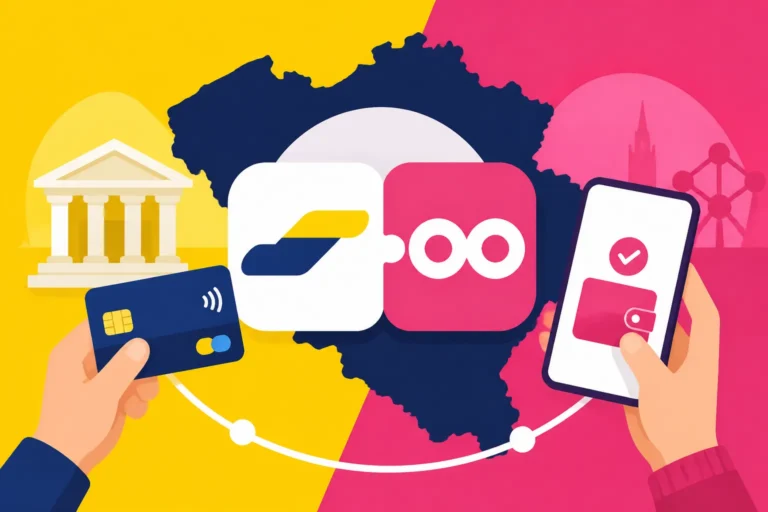
BNP Paribas Fortis was one of the first major "traditional" banks in Belgium to fully embrace Apple Pay, but the setup isn't always as "plug-and-play" as it is in the US or the UK. Because Belgium uses a dual system where almost every card is both a Bancontact card and a Visa/Mastercard Debit, the Apple Wallet needs to know exactly how to handle your credentials. This dual-layered system is why you might see Bancontact and Payconiq: The Backbone of Belgian Payments mentioned so often in local expat forums; it is the national standard, and Apple Pay essentially "wraps" this technology to make it work on your iPhone.
Setting this up is a rite of passage. Once it is done, you can tap your way through the STIB metro gates in Brussels or pay for your weekly groceries at Delhaize without fumbling for a wallet. It makes the Cost of Living in Belgium 2026: Budgeting for Cities and Families feel a bit more manageable when the friction of paying is removed.
Pre-requisites Before You Open the Wallet App
Before you dive into the settings, there are a few "Belgian-specific" hurdles you need to clear. First and foremost, you must have the Easy Banking App installed and fully activated on your iPhone. Unlike some international banks where you can just scan the card numbers, BNP Paribas Fortis heavily prefers that the activation happens through their encrypted app environment.
You also need to ensure that your "Easy Banking Phone" profile is active. This is a secondary security layer that confirms your device is trusted. If you haven't done this yet, you'll likely need that physical card reader and your debit card to sign a series of M1 and M2 codes. It’s a bit of a headache, but once it’s done, you rarely have to do it again. I found that doing this on a quiet Sunday afternoon saved me from the frustration of trying to do it while standing in a queue at a shop.
Another vital tip: make sure your phone's region is set to Belgium. I’ve seen many expats struggle because their Apple ID was still tied to their home country’s App Store, which can sometimes cause the "Add to Apple Wallet" button to disappear or malfunction within the BNP Paribas Fortis app. If you are managing multiple accounts across borders, using a service like Wise can help you maintain a flexible financial footprint while you get your local Belgian affairs in order.
Step-by-Step Activation via the Easy Banking App
This is the most reliable method. I always recommend going through the bank's own app rather than starting in the Apple Wallet app, as it bypasses several verification steps that often fail for foreign-issued phone numbers.
Step 1: Accessing the Settings
Open your Easy Banking App and log in using your FaceID or your five-digit Easy Banking Code. On the main dashboard, you will see a list of your accounts. Tap on the account associated with the debit card you want to add. Look for the "Cards" tab or the settings gear icon. Under the card image, you should see a button labeled "Add to Apple Wallet."
Step 2: Choosing Your Card
Most expats are issued a Visa Debit card that also carries the Bancontact logo. When you tap "Add to Apple Wallet," the app might ask you to confirm which protocol you want to prioritize. In 2026, most terminals in Belgium are updated to handle both seamlessly, so you generally don't have to worry about this choice as much as we did a few years ago. If you are a frequent traveler or often use services like Wise for your international spending, you'll appreciate how the BNP card now plays nicely with international standards.
Step 3: Terms and Verification
You will be redirected to the Apple Wallet interface. You’ll need to agree to the terms and conditions—standard stuff, though quite long. After clicking "Agree," the bank will perform a final verification. This is where many people get stuck. If your phone number isn't perfectly formatted in the bank's system (with the +32 prefix), the SMS code might never arrive. If the SMS fails, the app will ask you to call the BNP Paribas Fortis helpdesk. Pro tip: call them through the "Contact" button inside the Easy Banking App; it authenticates you automatically so you don't have to spend ten minutes proving who you are.
Adding Your Card via the Apple Wallet App
If for some reason the Easy Banking App is giving you trouble, you can try the manual route. This is sometimes necessary if you are using a specialized card or if you are part of the comparison shoppers who like to keep multiple digital wallets active.
- Open the Wallet app on your iPhone and tap the plus (+) sign.
- Select "Debit or Credit Card."
- Instead of scanning the card (which sometimes fails due to the unique layout of Belgian cards), choose "Enter Card Details Manually."
- Enter your name as it appears on your eID and the card number.
- For the verification, it will almost certainly ask you to open the Easy Banking App anyway to "approve" the request.
This "circular" verification is a hallmark of Belgian digital security. It’s designed to ensure that even if someone steals your card and phone, they can’t link them without your specific bank credentials. While you are setting up your digital life, don't forget that Itsme Authentication: How to Set Up Belgium's Vital Digital ID is just as important as Apple Pay for accessing government services and even some banking features.
Common Troubleshooting for Expats
Setting up Apple Pay at KBC, BNP Paribas Fortis, Belfius, and ING should be simple, but the "Belgian Factor" often adds a layer of complexity. One common issue is the "Card Not Supported" error. This usually happens if your card is brand new and hasn't been used in a physical ATM yet. The chip needs to be "activated" by a physical transaction—usually a balance inquiry or a small withdrawal—before the digital tokens can be generated.
Another frequent problem involves the address registered at your commune. If the address on your bank profile doesn't match the one on your Apple ID, the security check might flag the transaction. This is a common hurdle when Opening a Belgian Bank Account: Documents Needed and Roadblocks are still being processed. Ensure your residency is fully updated before attempting a complex digital setup.
If you find that the BNP Paribas Fortis system is too rigid for your needs, many expats supplement their banking with Trade Republic for their savings or Wise for their daily multi-currency needs. These platforms often have a much smoother Apple Pay integration process that takes seconds rather than minutes. Some users also look into Sending Money In and Out of Belgium: Remittance and Currency as a way to fund these secondary accounts which might offer better digital experiences.
Using Apple Pay at the Point of Sale
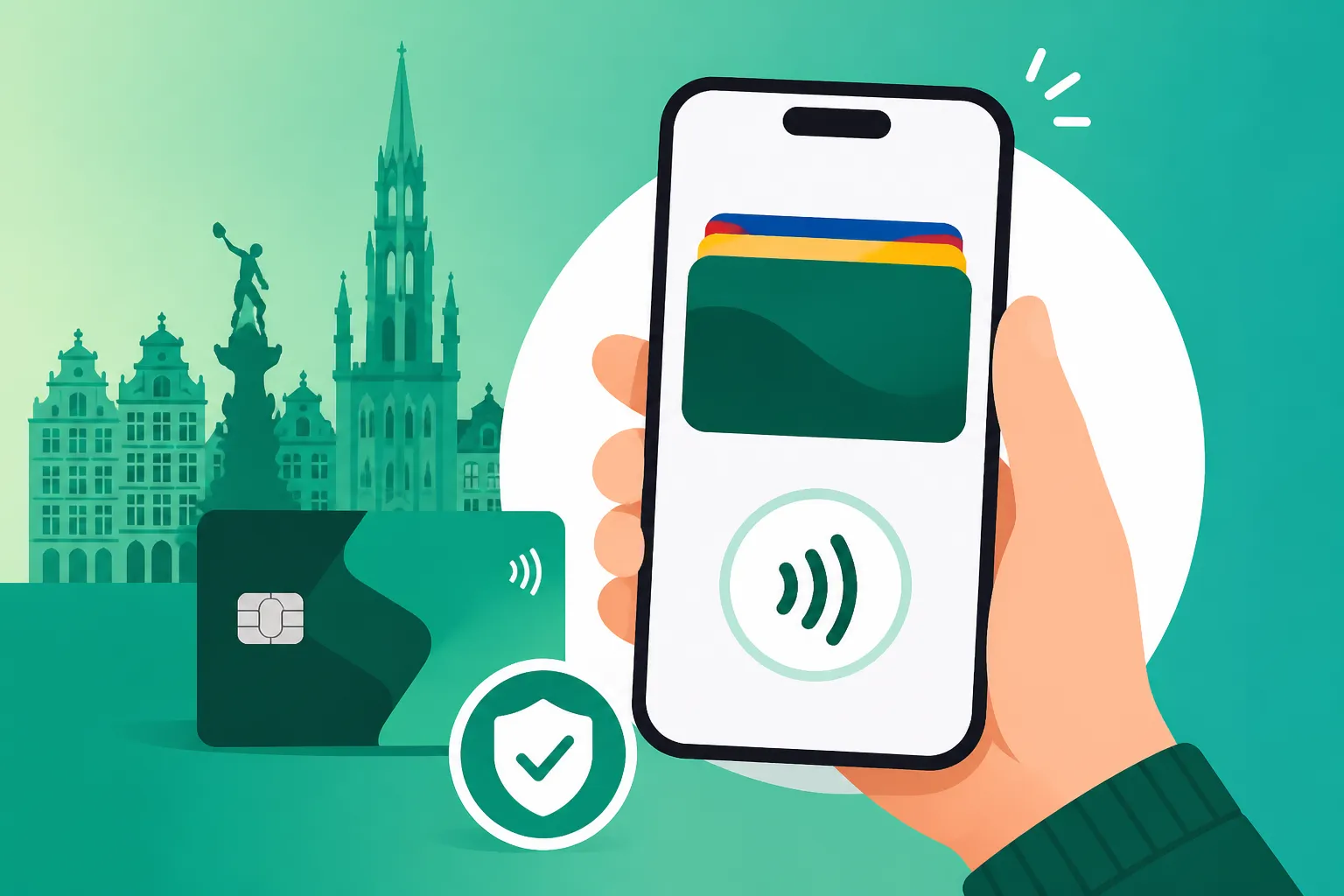
Once you see that beautiful blue or green card in your Wallet app, you're ready to go. To pay, double-click the side button of your iPhone, authenticate with FaceID, and hold it near the terminal. In Belgium, you will hear a distinct "beep-beep" when the transaction is successful.
However, be aware of the "Bancontact-only" shops. While Apple Pay works at 95% of locations in big cities like Brussels or Antwerp, some smaller butchers or independent bakeries still use older terminals that only accept the local Bancontact protocol. If you have linked your BNP Visa Debit card, it should work because of the dual-app technology, but it’s always wise to have a small amount of cash or your physical card as a backup.
For those who are more tech-forward and perhaps dabble in the crypto space using Binance, remember that while you can add a Binance card to Apple Pay, the merchant acceptance rules in Belgium remain the same. The terminal doesn't care what’s behind the phone; it only cares if it can communicate with the network.
| Payment Method | Acceptance in Belgium | Best Use Case |
|---|---|---|
| Apple Pay (BNP Visa Debit) | Very High (95%+) | Daily shopping, Metro, Restaurants |
| Payconiq (QR Code) | High | Markets, small shops, splitting bills |
| Wise Card | High | Traveling outside Belgium, online shopping |
| Trade Republic Card | High | Daily spending to earn "Saveback" rewards |
| Physical Card (Bancontact) | 100% | Emergency backup for small shops |
Security and Best Practices
One thing I love about Apple Pay in Belgium is that it actually feels safer than using a physical card. Because each transaction uses a device-specific number and a unique transaction code, your actual card number is never shared with the merchant. This is a huge relief when you’re navigating the busy tourist areas where card skimming used to be a concern.
If you ever lose your phone, you don't need to cancel your physical cards immediately. You can use the "Find My" app to lock your Apple Pay or remove the cards remotely. This is much faster than calling the CardStop number (078 170 170), which is the national line for blocking cards. Of course, while digital security is great, you must remain vigilant against Avoiding Phishing Scams Targeting Itsme and Bancontact Users, which often try to trick you into "re-verifying" your Apple Pay via a fake link in a text message.
For those who want to maximize their finances while living in Belgium, consider how your Apple Pay usage fits into your broader budget. Using a combination of a traditional bank like BNP for your How to Set Up Direct Debits (Domiciliation) for Utility Bills and a more modern tool like Trade Republic for your discretionary spending can help you track your money more effectively. Even if you are just using it to buy a round of beers, knowing Is Tipping Expected in Belgium? A Financial Etiquette Guide will ensure you’re using your newly set-up digital wallet with the right cultural grace.
Disclaimer
This guide is provided for informational purposes only and reflects the personal experiences of an expat living in Belgium. Banking regulations, app interfaces, and terms of service for BNP Paribas Fortis and Apple can change. Always consult with your bank's official documentation or visit a branch if you encounter specific technical or legal issues with your account. We are not financial advisors, and you should perform your own due diligence when choosing financial products like Wise, Trade Republic, or Binance.